Stealth mode — invisible HUD
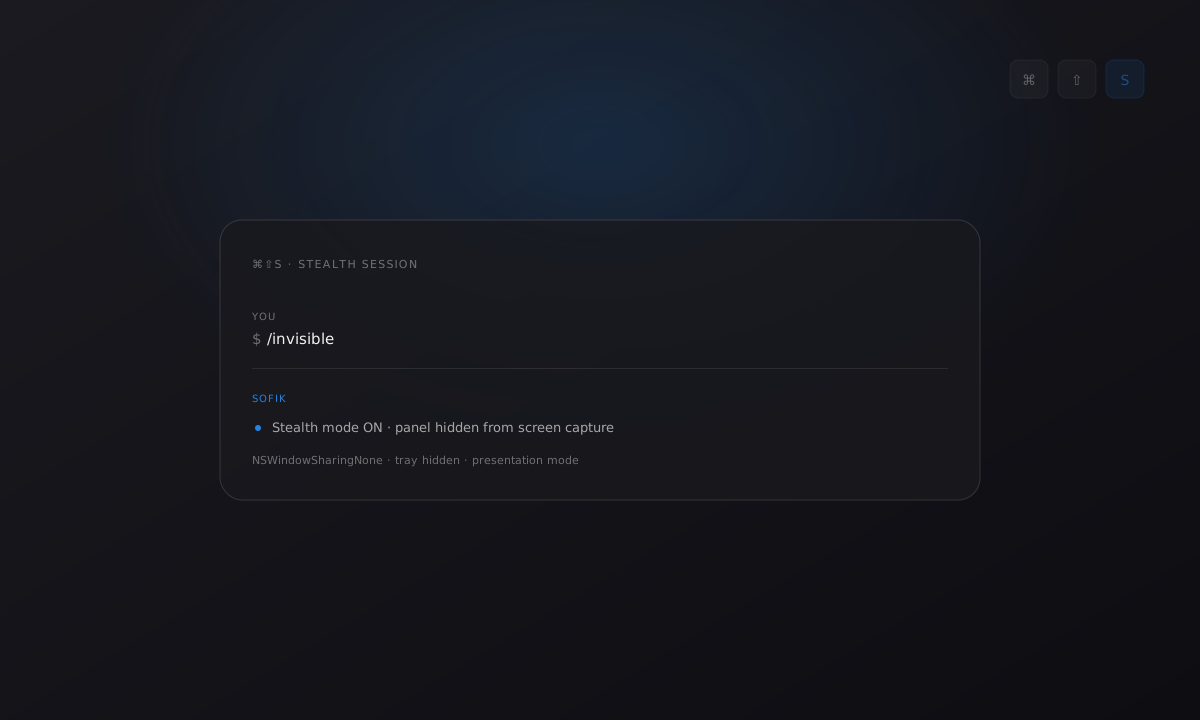
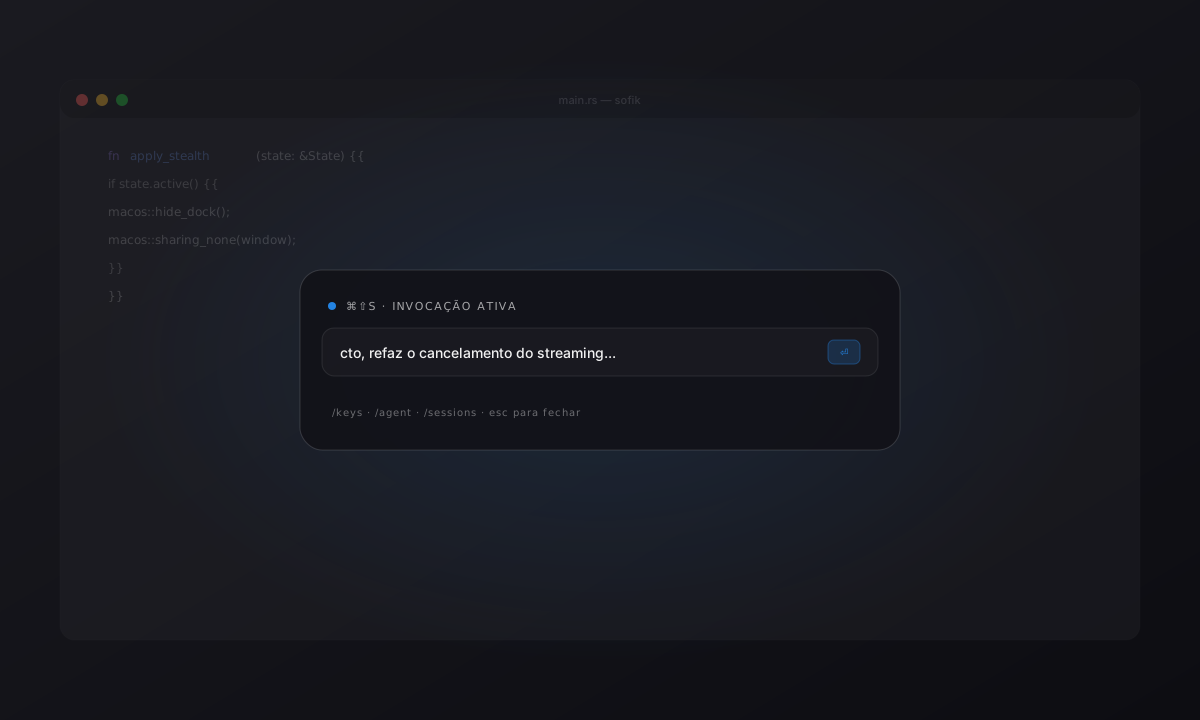
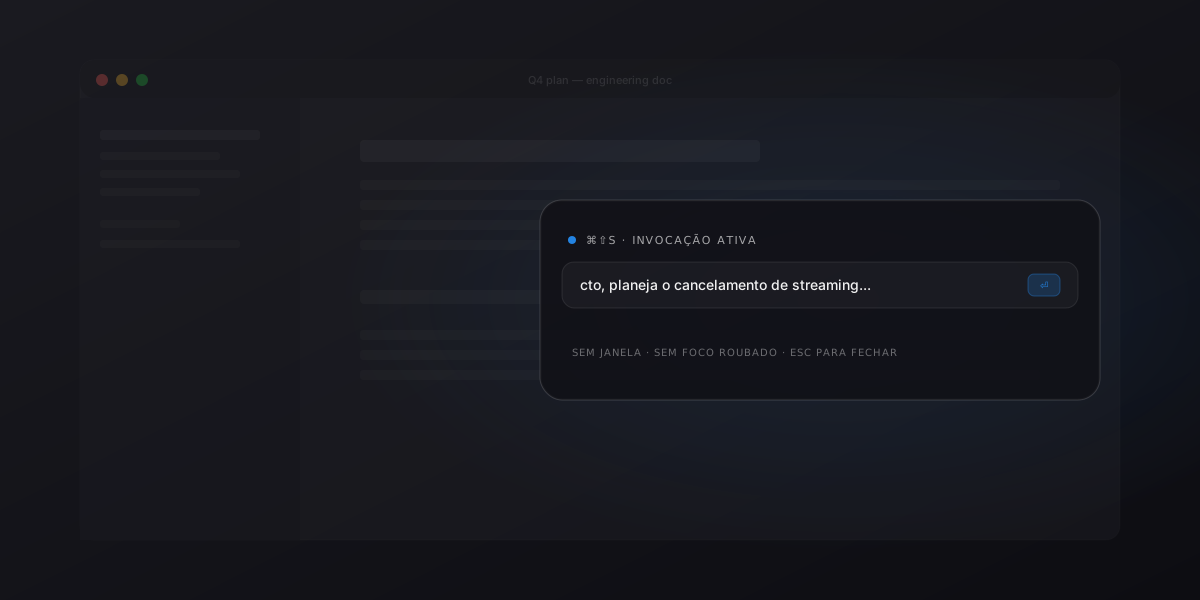
New /invisible command flips a stealth mode: the panel
disappears from screen-capture tools, the tray hides, and the macOS
Dock and menu bar are hidden while the panel has focus.
For when you need the HUD in a presentation or screenshare without showing it to the audience. No visual indicator on the panel — whoever is using it knows.
/invisible # toggle on / offImprovements
- HUD invisible to screen-capture, recording, and screenshare
- Tray and Dock auto-hidden while the panel has focus
- State persists across app restarts
- No visual indicator (intentionally discreet)
/invisiblein the slash command parser